

Just Enough Items (JEI)
modView Items and Recipes
bymezz
78M
11K
Compatibility
Supported Loaders
fabricforgeneoforge
Game Versions
Gallery
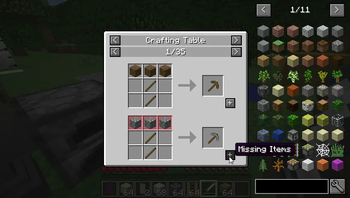
Recipe Completion
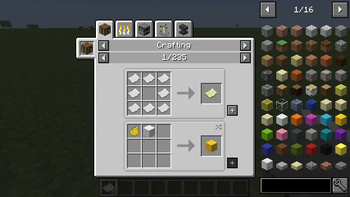
JEI Recipe GUI
jei-header
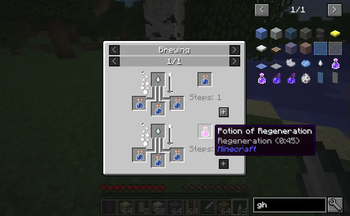
Potions
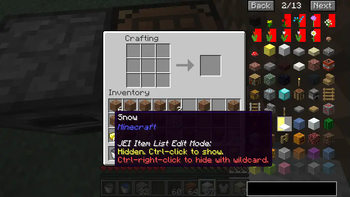
Itemlist Edit Mode
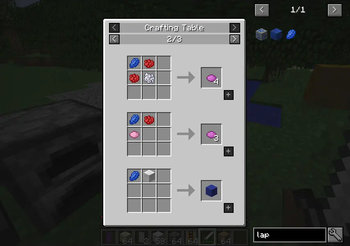
Big Screen Support
View Items and Recipes
Recipe Completion
JEI Recipe GUI
jei-header
Potions
Itemlist Edit Mode
Big Screen Support
JEI is an item and recipe viewing mod for Minecraft, built from the ground up for stability and performance.
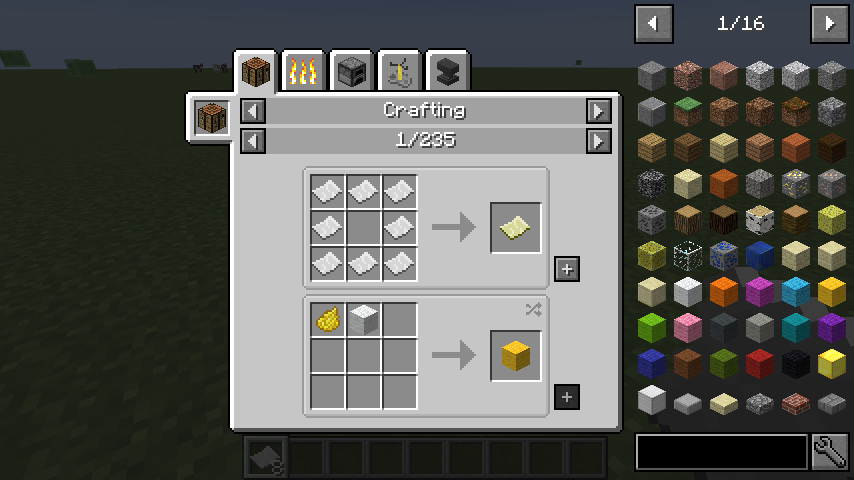
(Minecraft Options -> Controls)
Show Recipes: Hover over item + R
Show Uses: Hover over item + U
Toggle Item List Overlay: Control + O
Show Recipes: Click Item or type R
Show Uses: Right-Click Item or type U
Next/Previous page: Scroll Wheel
Select Search Bar: Click or Control + F
Clear Search: Right Click
Previous Search: *Up Arrow *
Search by Mod Name: Type @ in front of a word (@thaum)
Multiple terms work together (wand @thaum)
Exclude search terms: Type - in front of a word (@thaum -wand)
Search terms that have spaces in them: Type "" around the words ("two words")
Next/Previous page: Scroll Wheel
Show all Recipes: Click the recipe category's name
Move items into crafting area: Click the [+] button. Shift-Click to move multiple sets of items.
Search by Tooltip Only: Type # in front of a word
Search by OreDict name: Type $ in front of a word
Search by Creative Tab: Type % in front of a word
Multiple Searches: Separate terms with | characters, like "wrench|hammer"
Get a full stack of Items: Click Item
Get one Item: Right-Click Item
Delete Item: Drop an Item into the Item List
(These controls are shown in-game on the item tooltip)
Hide Item: Control-Click Item
Hide Items and Sub-Items: Control-Right-Click Item
Hide all Items from a mod: Control-Shift-Click Item
Of course!
[1.21.1 or lower] Yes, with some features disabled:
[1.21.2+] Since Minecraft 1.21.2, recipes are stored on the server and not the client. Please install JEI and NeoForge/Fabric on the server to sync recipes to the client.
The chart here shows which mods support each feature.