

Minor Audio Inconvenience
modSet volume for individual sounds.
bydot
3K
19
Compatibility
Supported Loaders
fabricneoforge
Game Versions
Gallery
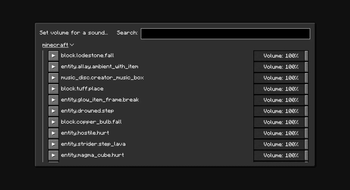
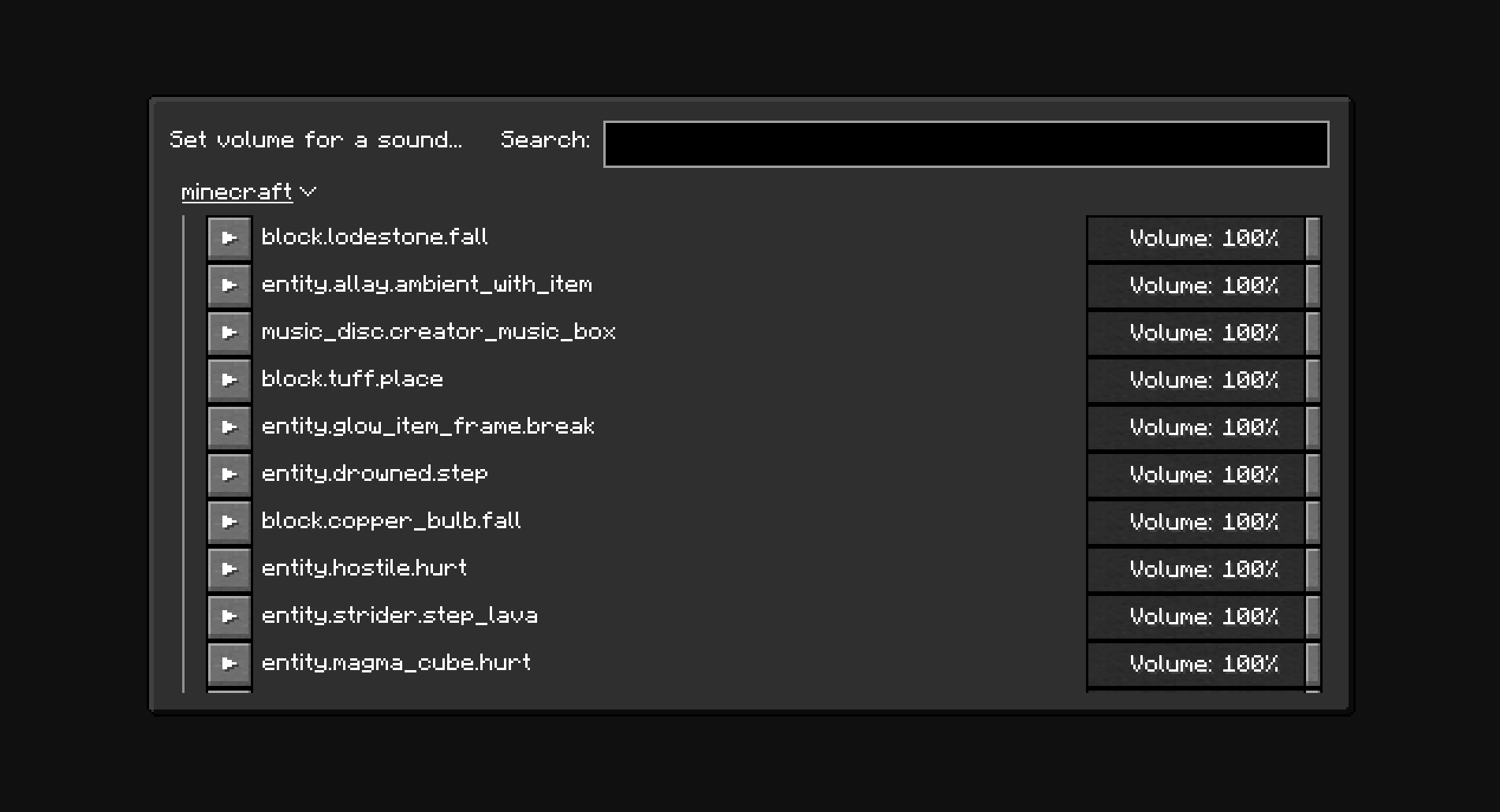
"Set volume for a sound" menu.
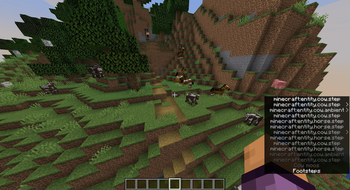
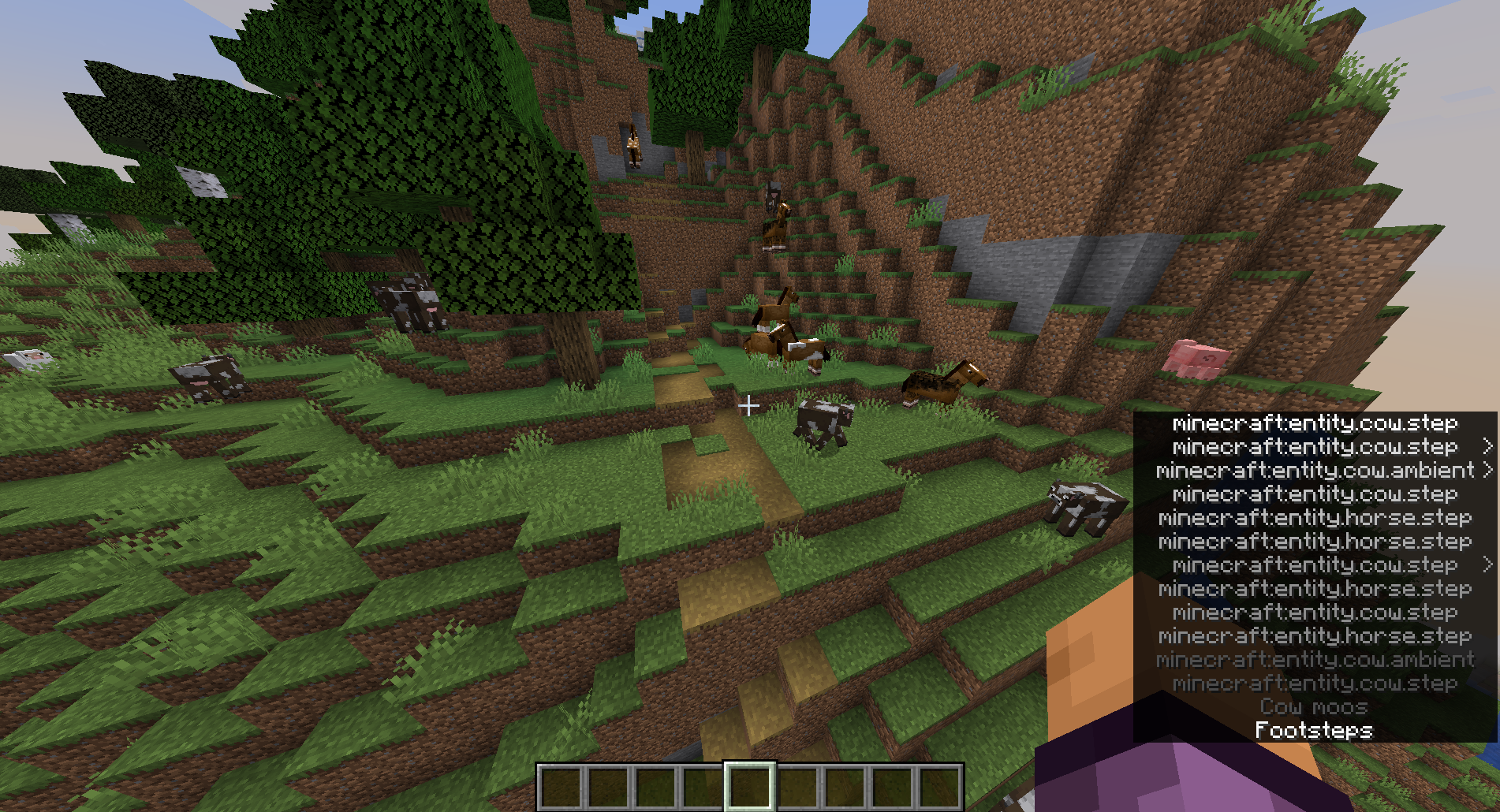
Subtitles with "Show all sounds in subtitles" option enabled.
Set volume for individual sounds.
"Set volume for a sound" menu.
Subtitles with "Show all sounds in subtitles" option enabled.
Set volume for individual sounds.
The minecraft:weather.rain sound is disabled by default. New sounds can be added to the configuration manually through the config screen (With Mod Menu: Mods -> Minor Audio Inconvenience, Without Mod Menu: /owo-config minor-audio-inconvenience) or using the "Set volume for a sound..." menu (Options... -> Music & Sounds... -> Set sound volume)
The NeoForge version of the mod only works in Singleplayer.
The mod depends on owo-lib for configuration and UI. If you don't have the library already installed, you will be prompted to install it automatically. You will still need to install owo-lib manually on NeoForge.