
Modrinth Themed Mojang Loading Screen
resourcepackChange your mc loading screen to a modrinth themed one just like the one showed on the Modrinth homepage
byE6rlkDjr
220
0
Compatibility
Supported Loaders
minecraft
Game Versions
Gallery
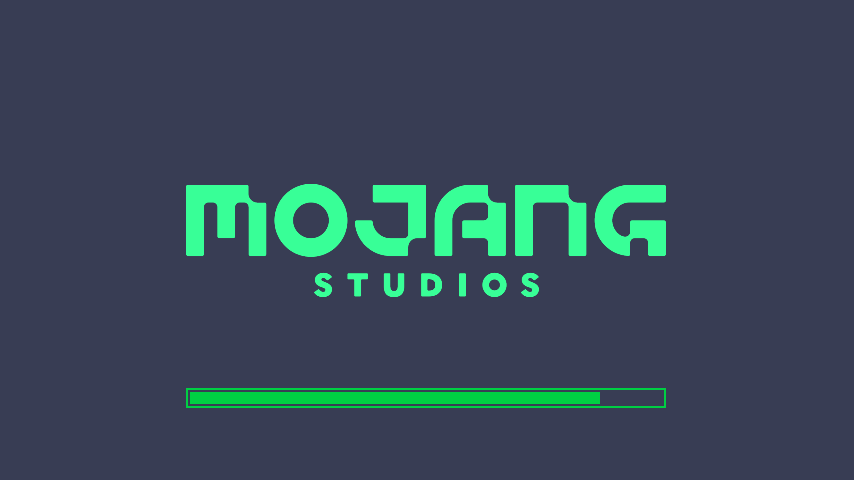
Change your mc loading screen to a modrinth themed one just like the one showed on the Modrinth homepage

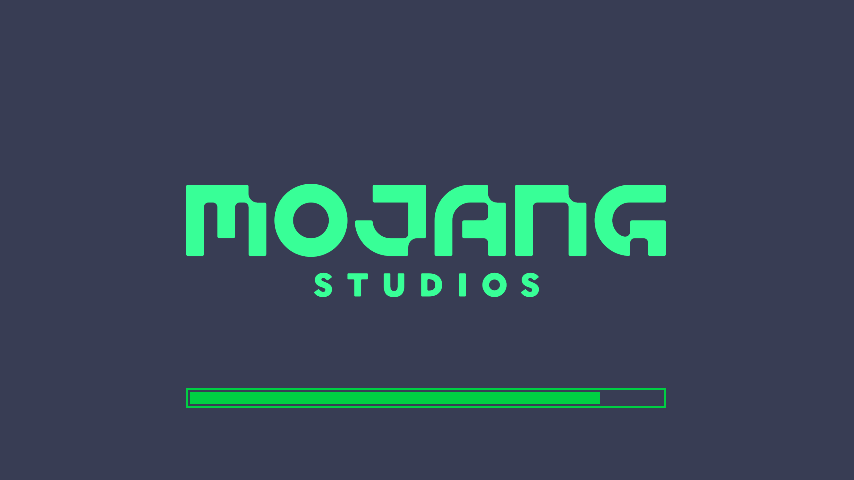
A clean Modrinth-inspired loading screen resource pack for Minecraft, designed to recreate the look and feel of the official Modrinth homepage.
This pack replaces the default Minecraft loading screen with a modern, minimal, green-themed design inspired by Modrinth’s visual identity.
This resource pack requires OptiFine or OptiGUI to work properly and display correctly.
At least one of them must be installed and active.
Without OptiFine or OptiGUI, some visual elements may not appear as intended.
Download the resource pack.
Open Minecraft.
Go to:
Options → Resource Packs → Open Pack Folder
Place the .zip file inside the resource packs folder.
Enable the resource pack in Minecraft.
Make sure OptiFine or OptiGUI is installed and active.
This resource pack is intended to work with Minecraft versions supported by OptiFine or OptiGUI.
For the best experience, use the latest compatible version of either OptiFine or OptiGUI for your Minecraft version.
This pack only changes the visual appearance of the loading screen.
It does not modify gameplay, blocks, items, mobs, menus, or game mechanics.
Modrinth Themed Loading Screen is a Minecraft resource pack that replaces the default loading screen with a custom design inspired by Modrinth. It is made for players who want a cleaner, more modern, and more polished startup/loading screen while keeping the game lightweight and simple.
